What Is Lutron RA2 Select? Uses, Limits and Upgrades
Get to know Lutron RA2 Select: wireless lighting controls, everyday scenes, app features and ways to develop an existing system.
Written by Mark DavisPublished 18 October 2018Updated 28 September 2026 · London Electricals editorial update
Lutron RA2 Select is a professionally installed wireless lighting-control system for homes that need dependable dimming, scenes, schedules and compatible blind control without the wider design scope of HomeWorks. Lutron still lists RA2 Select in its current UK residential range, alongside RadioRA 3 and HomeWorks.
RA2 Select suits homes looking for straightforward room scenes and wireless control. We match the room list, lighting loads and preferred controls to the supported design, including options for developing an existing installation.
What is in an RA2 Select system?
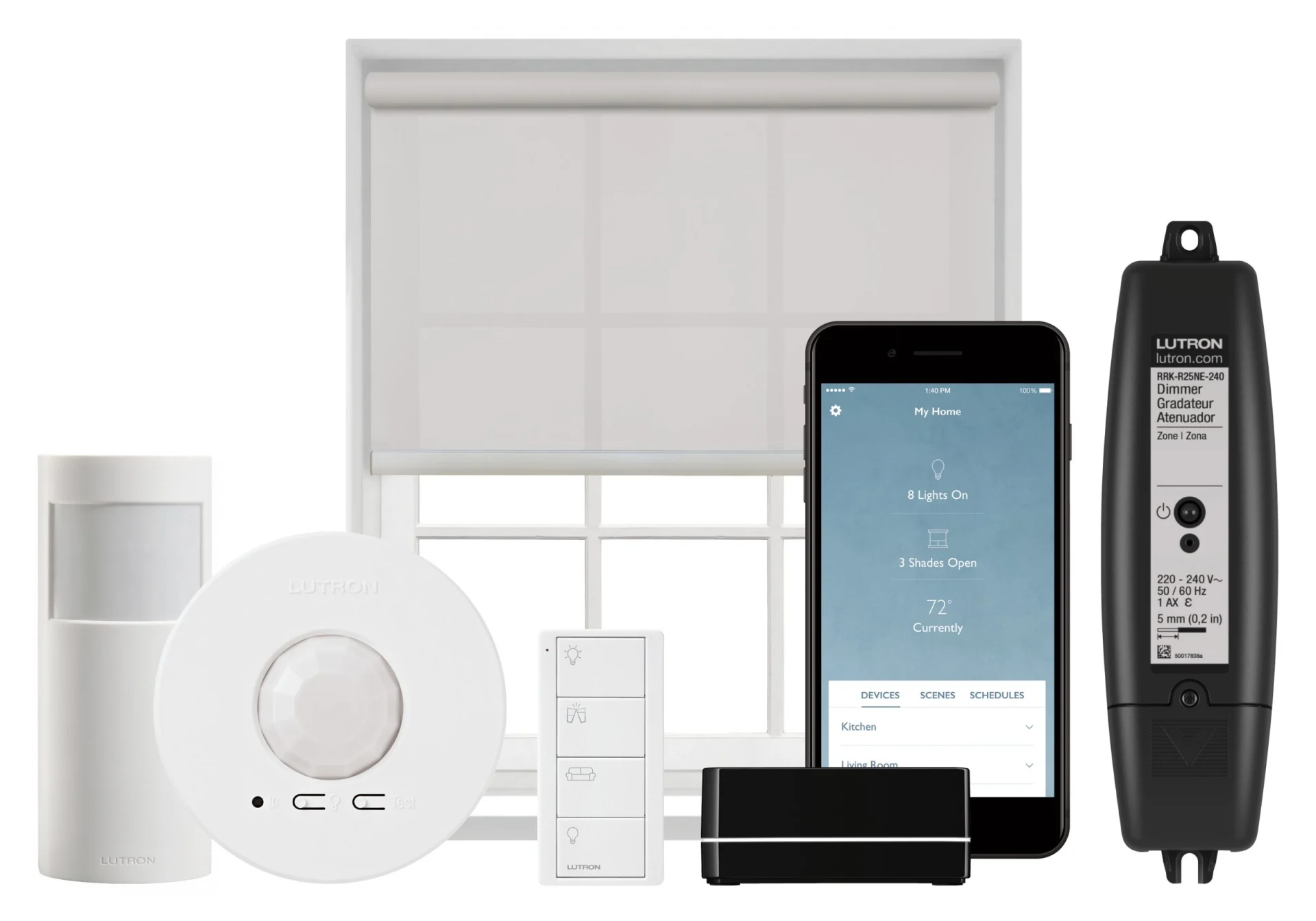
A typical installation includes a main repeater, compatible in-line dimmers or switches, Pico wireless controls and, where required, compatible Lutron blinds or sensors. The main repeater connects the system to the Lutron app and supported integrations. The lighting control itself uses Lutron Clear Connect radio rather than relying on normal Wi-Fi for every command.
RA2 Select combines dedicated Lutron wireless controls with app access and programmed scenes.
What can RA2 Select do?
Dim or switch compatible lighting circuits.
Recall scenes from Pico wall controls, pedestals or the app.
Run timeclock events, including schedules linked to sunrise and sunset.
Coordinate supported Lutron blinds with lighting scenes.
Provide remote access and selected third-party integrations through the main repeater.
Add suitable occupancy controls where the room brief requires them.
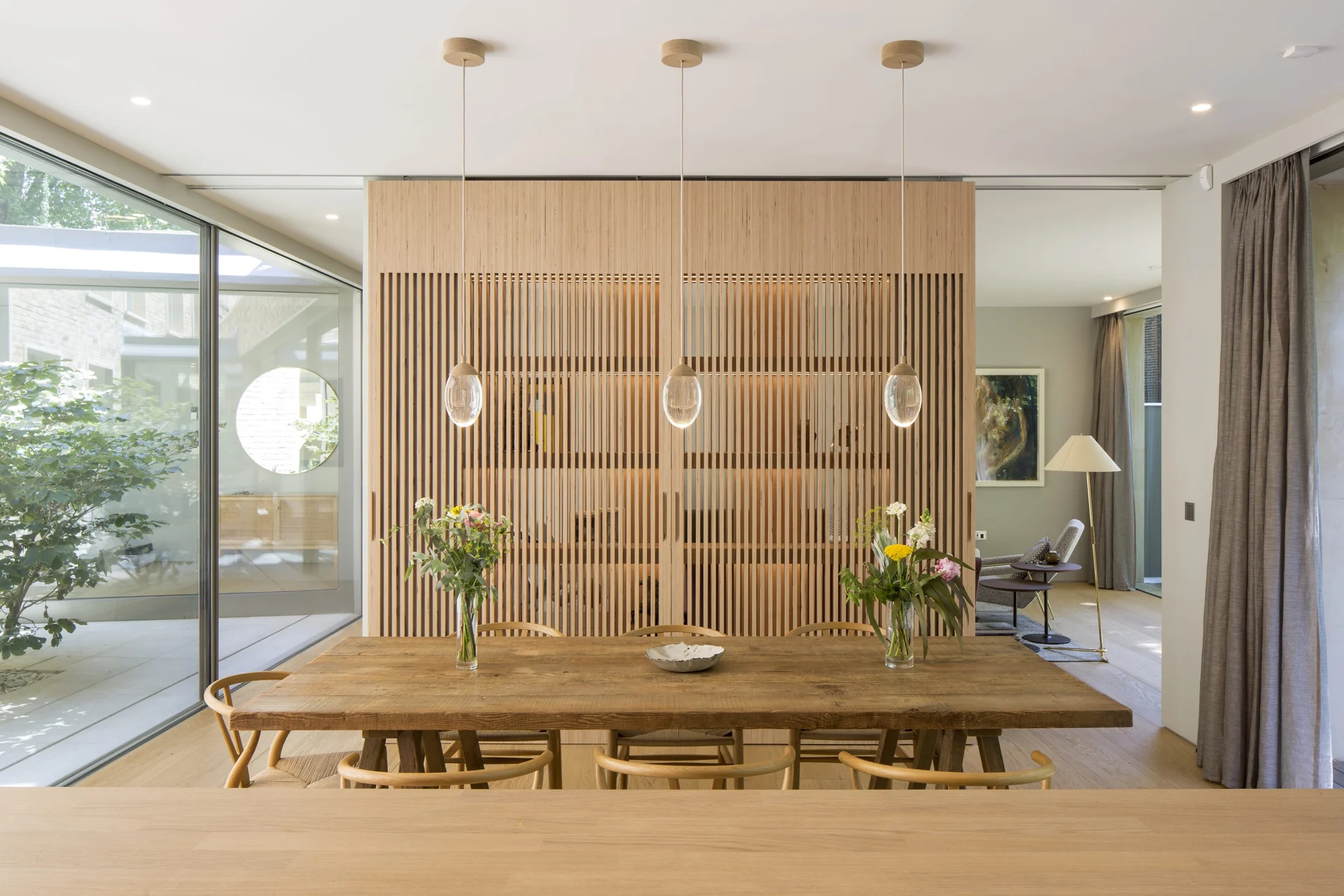
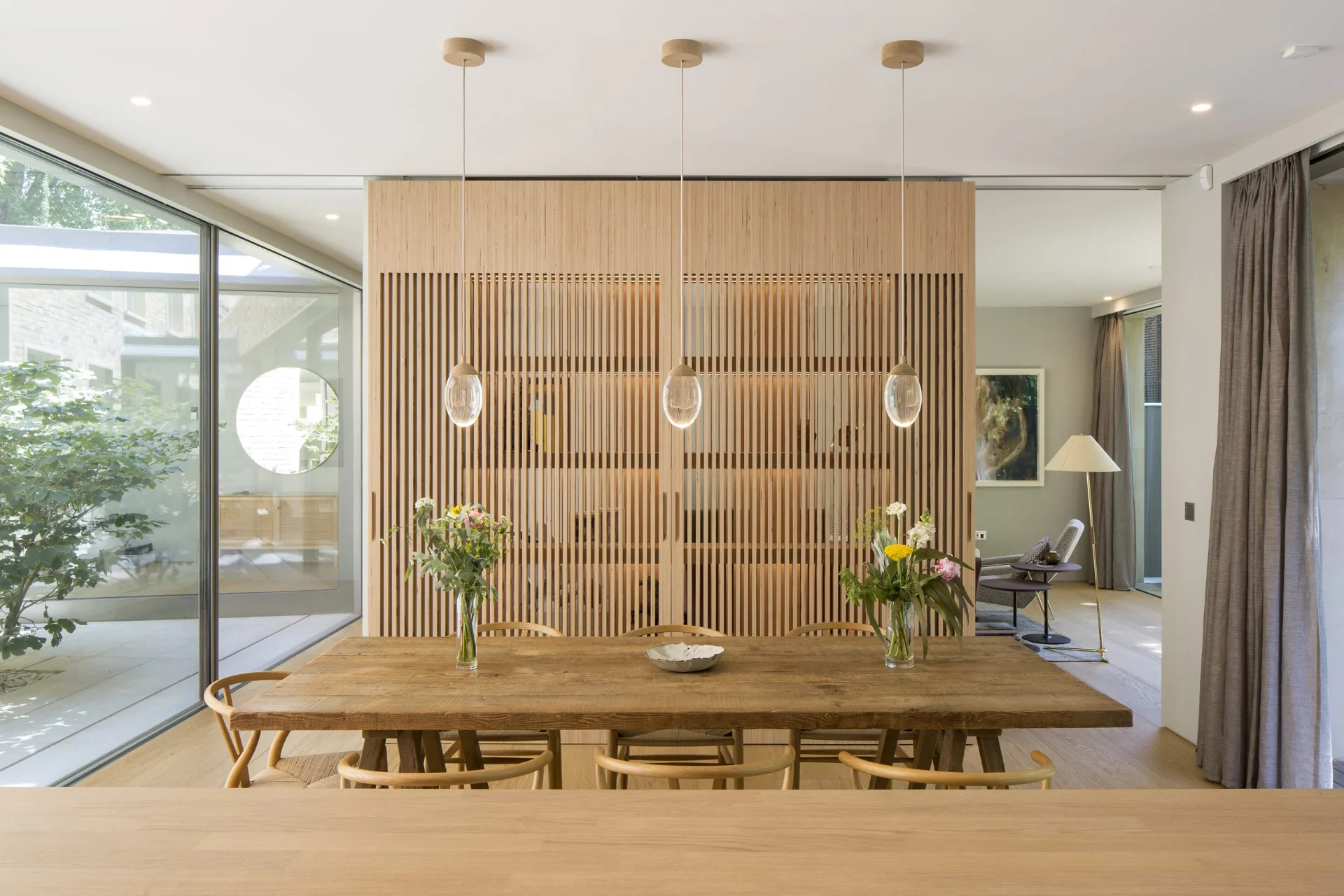
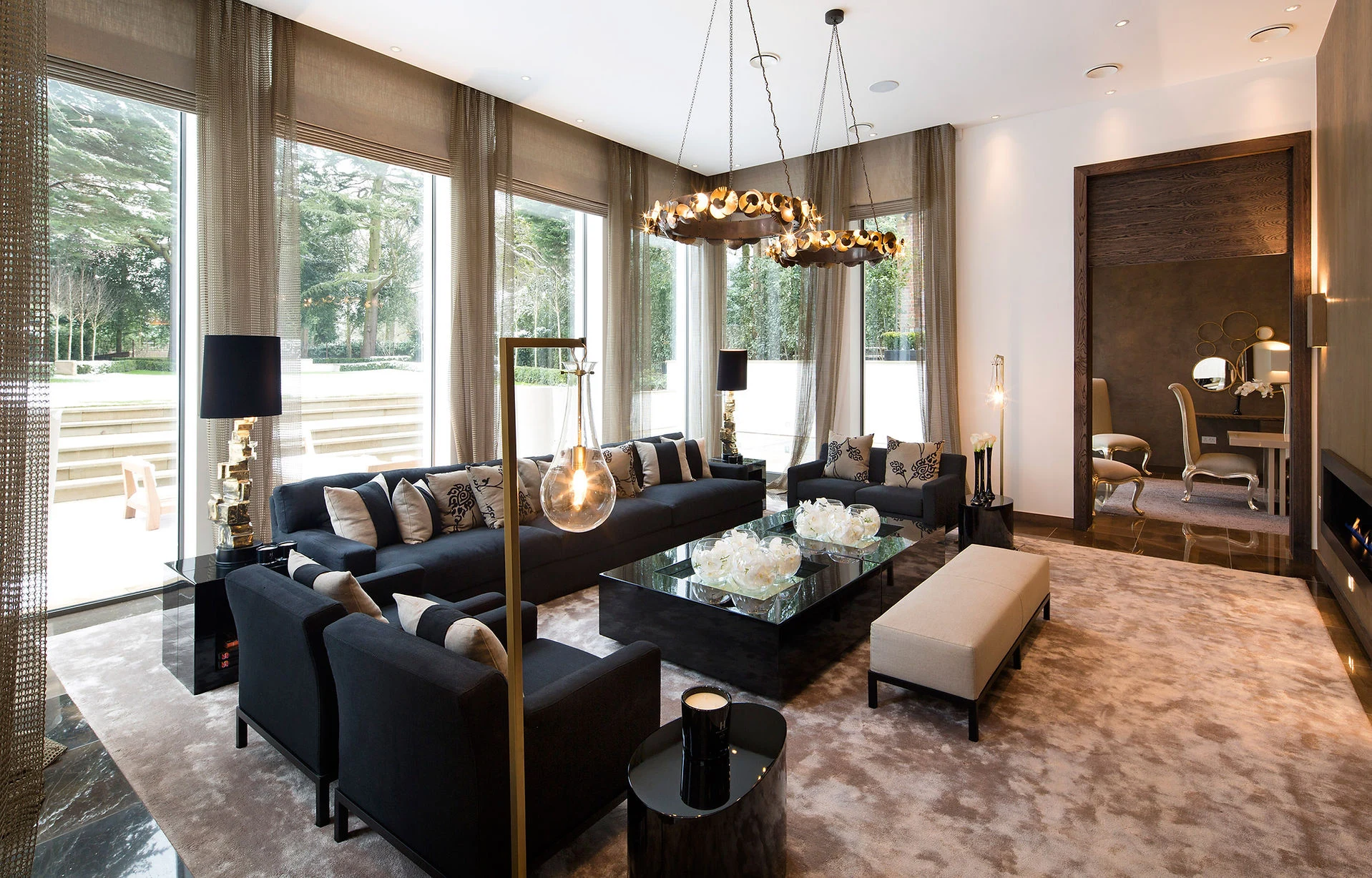
The room should feel natural to use at the wall. Clear local controls handle everyday lighting, with the app adding schedules, adjustments and remote access.
When to explore RadioRA 3 or HomeWorks
RA2 Select is intentionally simpler than RadioRA 3 and HomeWorks. It uses Pico controls rather than the more extensively configurable and decorative keypad families available on larger systems. Complex integration, large device counts, detailed conditional programming, extensive wired control or a super-prime keypad brief may justify another route.
The decision should be made against the actual room list and equipment schedule. A three-bedroom refurbishment with straightforward scenes is different from a large property with centralised panels, motorised shades, several entertainment systems and a demanding interior-design palette.
RA2 Select, RadioRA 3 or HomeWorks?
System
Typical reason to consider it
RA2 Select
Streamlined wireless control, Pico scene controls and a relatively straightforward residential brief.
RadioRA 3
A more configurable wireless design, additional control options and a project that has outgrown the RA2 Select brief.
HomeWorks
Whole-home design with premium keypads, wired and wireless options, extensive lighting and shading coordination, and deeper commissioning.
The choice follows the room schedule and the experience you want, as well as the size of the home. Lutron’s UK residential systems information helps explain the available routes. UK residential systems page.
Can existing RA2 Select equipment be reused?
We start by identifying the repeater, load controls, Pico controls, sensors and blinds already installed. Their model numbers show us the options for keeping RA2 Select or planning a migration. We then test the lamps and drivers and set out the equipment to retain or replace, with smooth dimming as part of the finished result.
Common reasons to call for support
A room no longer responds consistently.
The app cannot find the system after a router change.
A replacement LED lamp flickers or will not dim smoothly.
Schedules or scenes no longer match how the home is used.
An extension adds rooms, blinds or controls beyond the original brief.
No reliable project information or account handover is available.
Do not reset the system before recording the symptoms and current equipment. A reset can remove useful evidence and turn a small network or account issue into a larger recommissioning job.
Plan the next step
For an existing system, send photographs of the repeater, controls and affected loads, plus a short description of what has changed. For a new project, send the plans and room-by-room lighting brief. Explore RA2 Select installation and support, compare RadioRA 3, or review Lutron HomeWorks.