Services
Lutron HomeWorks Repairs & Upgrades in London
Diagnosis, programming changes, repair planning and processor upgrade advice for existing or inherited Lutron HomeWorks systems in London.
Explore Lutron HomeWorks Repairs & Upgrades in London

Insights
Bring an older Lutron Illumination system forward with a planned QSX upgrade, refreshed controls and a clear route for the equipment already in your home.
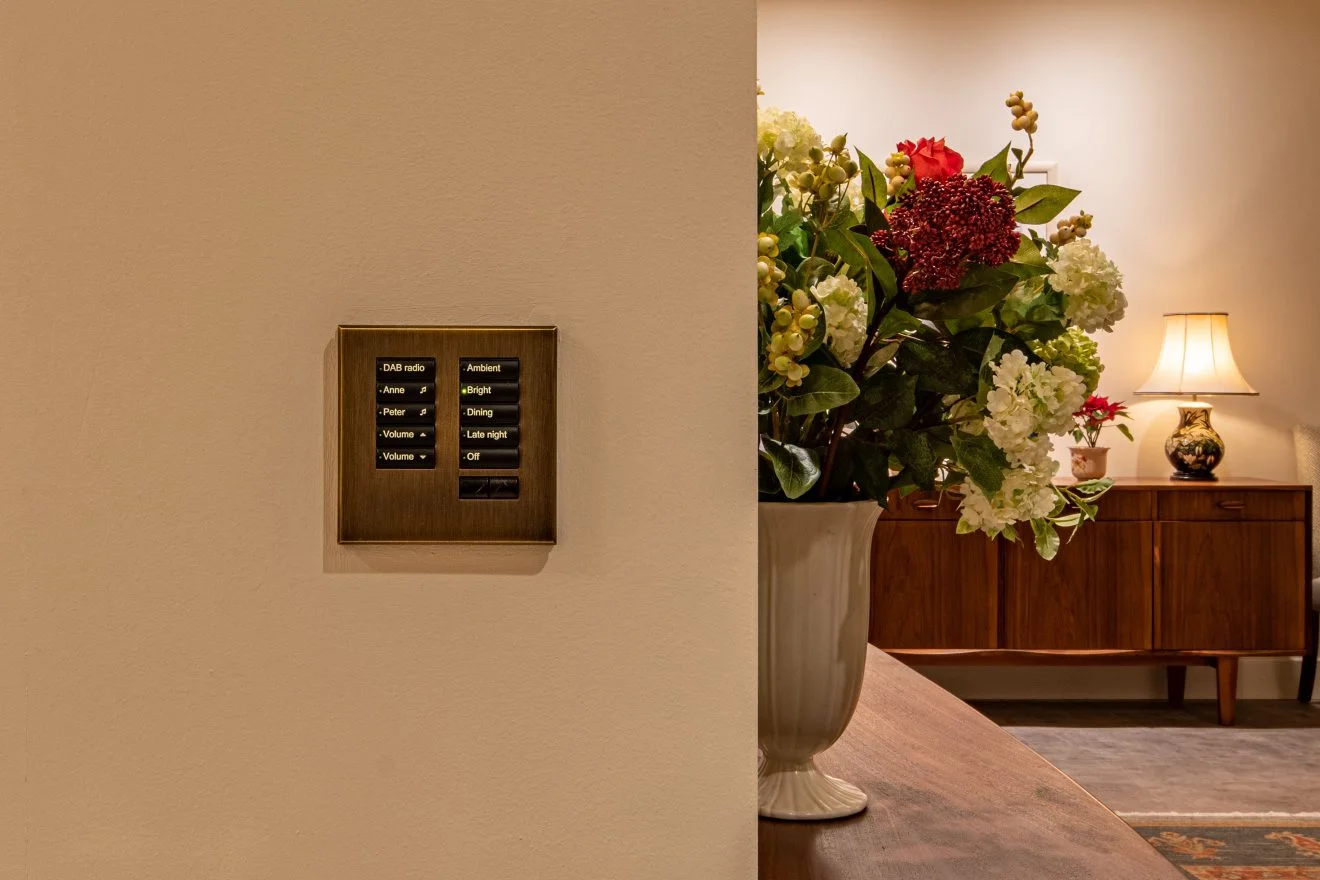
Alisse product photograph: coordinate the visible controls with the interior finishes.
A HomeWorks Illumination upgrade can bring new controls, features and lighting scenes to an established home. We plan the move to QSX around the existing equipment, retaining suitable infrastructure and coordinating the changes room by room.
Lutron Application Note 840 sets out supported paths, replacement equipment and opportunities to reuse suitable existing link wiring. It also makes clear that some older modules, interfaces and power supplies require replacement.
HomeWorks Interactive, Illumination, QS and QSX are different generations. Record the processor model, panel interfaces, load modules, keypad families, shade interfaces, RF equipment and third-party connections. Obtain the available project and programming files where possible.
Do not label a system from the appearance of one keypad. Properties are sometimes extended in stages and may contain equipment from more than one period.
Illumination processors provided dedicated links for categories such as remote power panels, keypads, RF devices, wired dimmers and shades. QSX organises the system differently. Application Note 840 explains the recommended migration for each link and whether the existing wire may be reused.
| Area | Survey evidence | Upgrade question |
|---|---|---|
| Processor and files | Models, link use, programme and condition | How many QSX processors and which migration route are required? |
| Panels and modules | Panel interfaces, module types, loads and spare capacity | Which parts are supported, translated or replaced? |
| Keypads | Models, button schedules, wiring and backboxes | Which current keypad and mounting detail will replace each one? |
| Shades | Drive, power supply, controls and wiring | What interface and replacement work are needed? |
| Integrations | AV, security, heating and other connections | Is there a current supported integration method? |
Lutron’s hardware overview distinguishes the 15 V DC supplies used by many Illumination devices from the 24 V DC arrangement used by QSX devices. We include the appropriate power supplies in the upgrade design and assess the existing cabling separately.
A QSX upgrade gives us the opportunity to review keypad finishes, engraving and room scenes together. We select the supported controls, coordinate backboxes and wall details, and shape the button layout around the way you live now.
Some panel wiring and equipment may be reusable through the supported route; other interfaces or modules need replacement. Record every load and its present behaviour. Old labels may not match altered circuits, so prove the circuit schedule before relying on it.
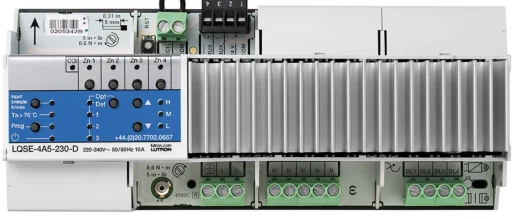
We identify the fittings, drivers, control method and connected loads, then test the dimming through the intended range. Any changes to lamps or modules are included in the upgrade design so the lighting and controls work together.
QSX processors use Ethernet for processor connectivity and modern integrations. Confirm switch ports, addressing, remote-service requirements and network ownership. Older third-party drivers or serial interfaces may not have a direct modern equivalent, so every integration needs a supported replacement plan and test.
Use Lutron's current Application Note 840 as the technical starting point.
Send photographs of the processors, panel labels, keypads and affected rooms, plus any project files you hold. London Electricals can then define the survey and upgrade route. Visit HomeWorks repairs and upgrades, review current HomeWorks design, or read the guide to an inherited Lutron system with no installer.
Continue exploring
Services
Diagnosis, programming changes, repair planning and processor upgrade advice for existing or inherited Lutron HomeWorks systems in London.
Explore Lutron HomeWorks Repairs & Upgrades in LondonServices
Design, installation, programming and commissioning for Lutron HomeWorks lighting and compatible shading in London homes.
Explore Lutron HomeWorks Installer in LondonInsights
Inherited Lutron lighting? We can take over the system, resolve faults, refresh scenes and plan ongoing care.
Explore Inherited a Lutron System but Have No Installer or Programming File?