Services
Lutron HomeWorks Installer in London
Design, installation, programming and commissioning for Lutron HomeWorks lighting and compatible shading in London homes.
Explore Lutron HomeWorks Installer in London
Insights
Choose a Lutron control by system compatibility, button layout, finish and room use. Compare Alisse, Palladiom, seeTouch and Pico with London Electricals.
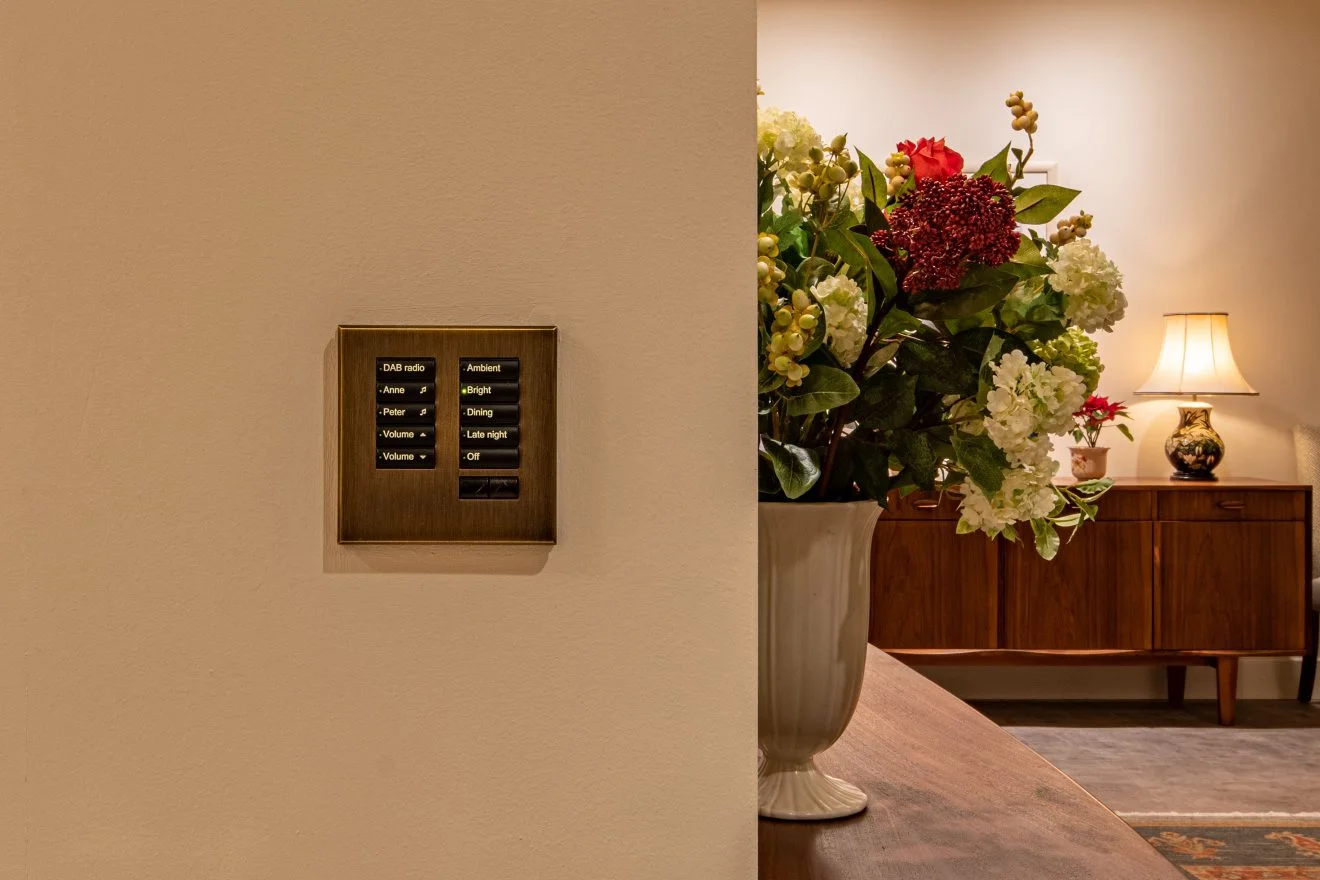
A Lutron keypad is a detail you touch every day. Alisse, Palladiom, seeTouch and Pico offer different finishes, layouts and ways to control a room. We help choose the appearance and scene functions, then match the exact model to your Lutron system.
The table brings the keypad choices and their system requirements together. UK selection references reviewed 8 September 2026.
| Control and example part | System and connection | Useful distinction |
|---|---|---|
| HomeWorks wired Alisse, with HW-QS-B-S1 base | HomeWorks QSX only for specification 3691154f. Wired QS link. | Square backbox, single/two-column base example. Keypad configuration and finish form the rest of the order. It is not a mains dimmer. |
| Palladiom HQWT-S-P4W-WH-E | HomeWorks QS, wired QS link, as specified in 369881. QSX approval for this exact suffix is not established by that document alone. | Four-button square-style assembled keypad. Check the mounting detail and the exact QSX project schedule when upgrading. |
| International seeTouch HQWIS-NB-NONE plus HWIS-2B-I-AW | HomeWorks QS, wired QS link, as specified in 369607e. Exact QSX selection requires the matching current equipment schedule. | Base plus two-button insert kit in Arctic White. A wallplate/button kit by itself is not a complete keypad. |
| Pico PK2-3BRL-TAW-L01 | UK/European Clear Connect RF, 868.0–869.8 MHz. RA2 Select or a compatible HomeWorks wireless system and receiving hardware. | Battery-powered three-button lighting control with raise/lower. No QS-link cable; regional RF equipment must match. HomeWorks processor generation alone does not identify the required RF receiver. |
Manufacturer references: Alisse 3691154f, Palladiom 369881, international seeTouch 369607e and Pico 369882i. These documents help match the chosen keypad to the appropriate HomeWorks generation and wiring.
Explore the Alisse finishes and room-planning guide and try our Lutron builder to develop your ideas. We review physical samples, scene names and engraving with you as part of the design.
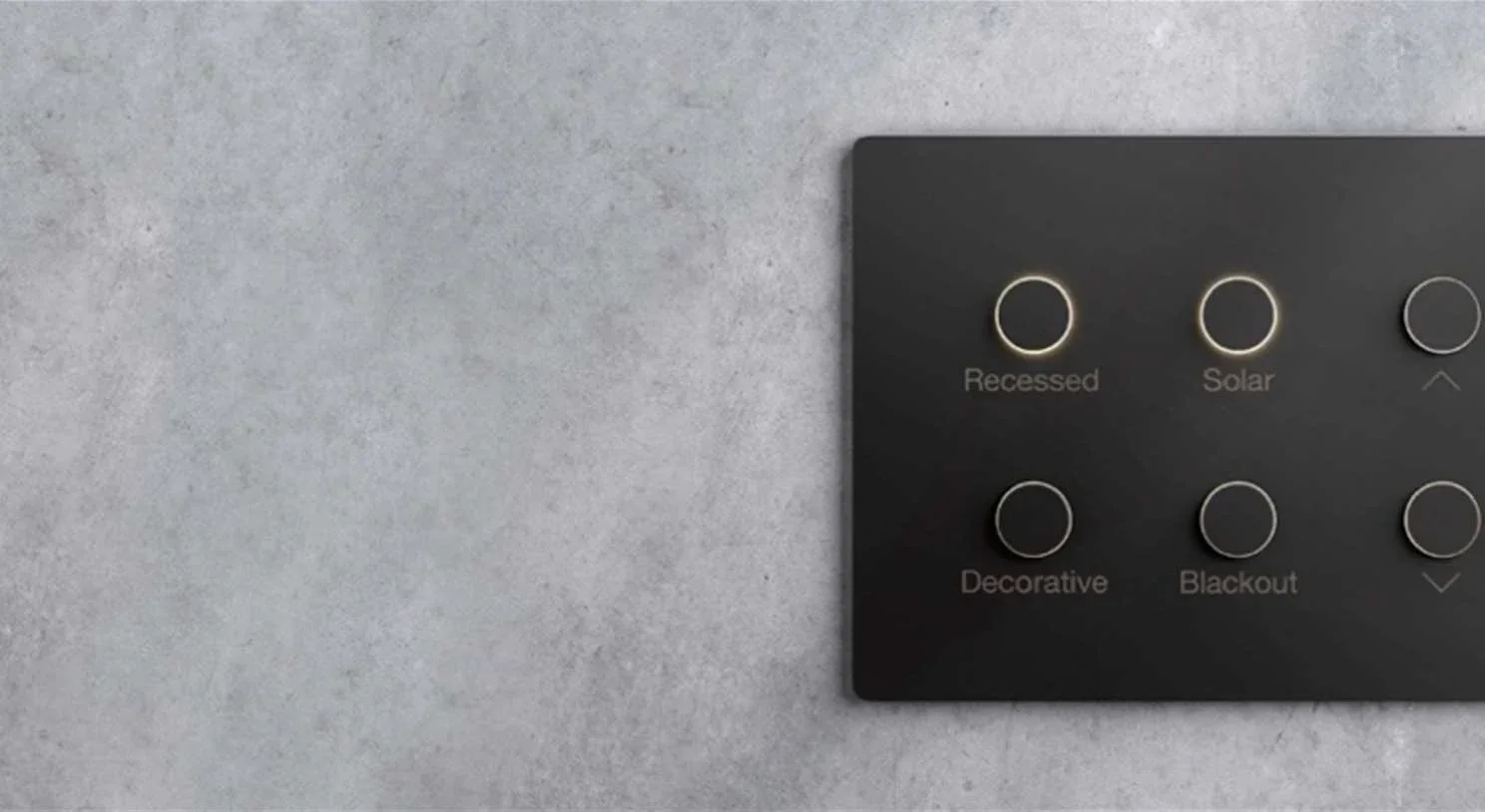
Photograph the existing keypads and processor labels and locate the project backup. A keypad refresh may require a wider system upgrade. Our HomeWorks repair and upgrade service starts with that compatibility assessment.
For a new design, use the HomeWorks enquiry form. Product reference: Lutron's UK Alisse range.
Continue exploring
Services
Design, installation, programming and commissioning for Lutron HomeWorks lighting and compatible shading in London homes.
Explore Lutron HomeWorks Installer in LondonInsights
Explore Lutron Alisse finishes, engraving and room-by-room keypad planning, with HomeWorks design and installation support in London.
Explore Lutron Alisse Keypads for Super-Prime Residential InteriorsSelected work
Lutron HomeWorks QS lighting, retained KNX heating and Savant control at Woodrow Mansion in Surrey. A complete home integration by GLO Audio Visual.
Explore Woodrow Mansion: Lutron Lighting, KNX & Savant