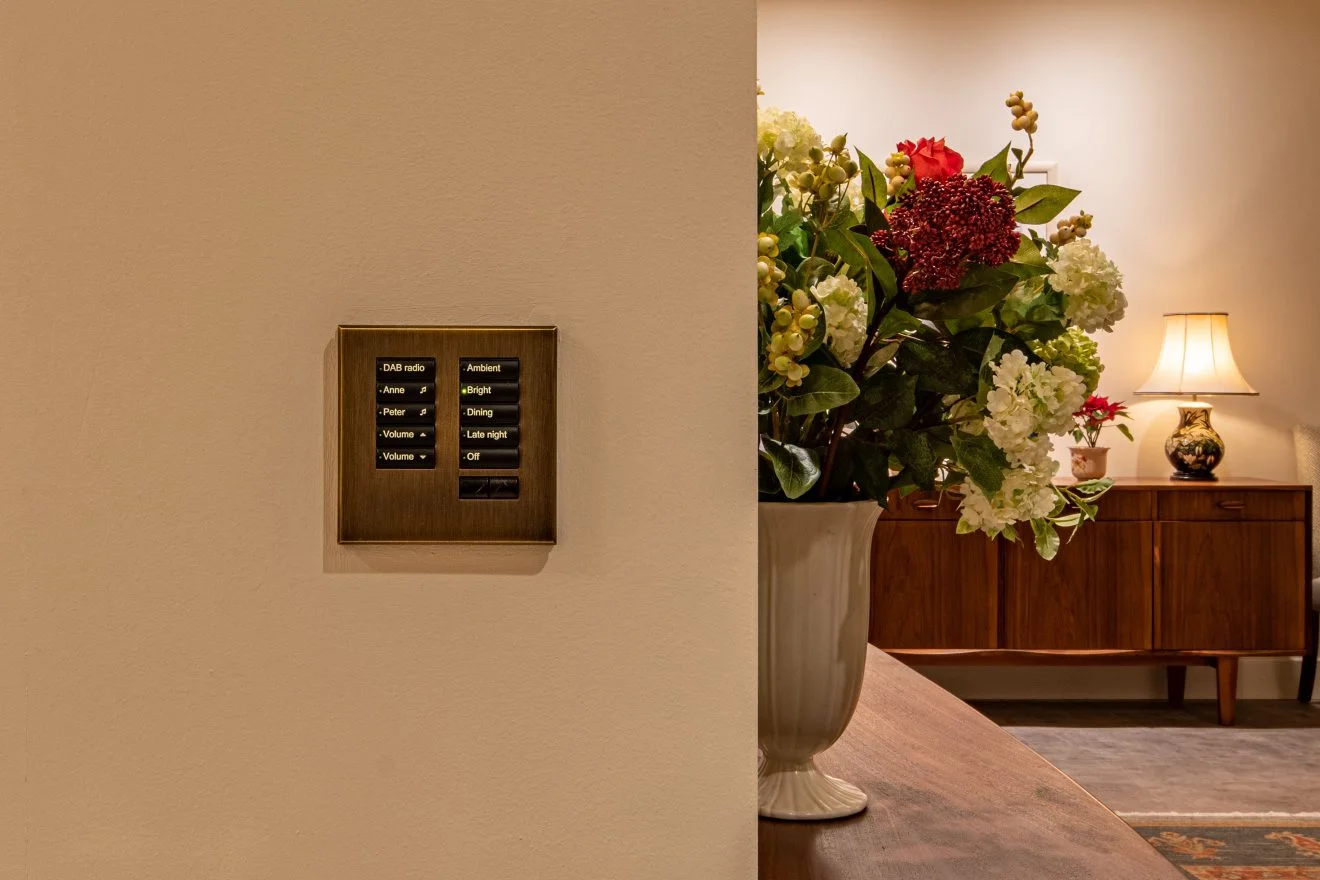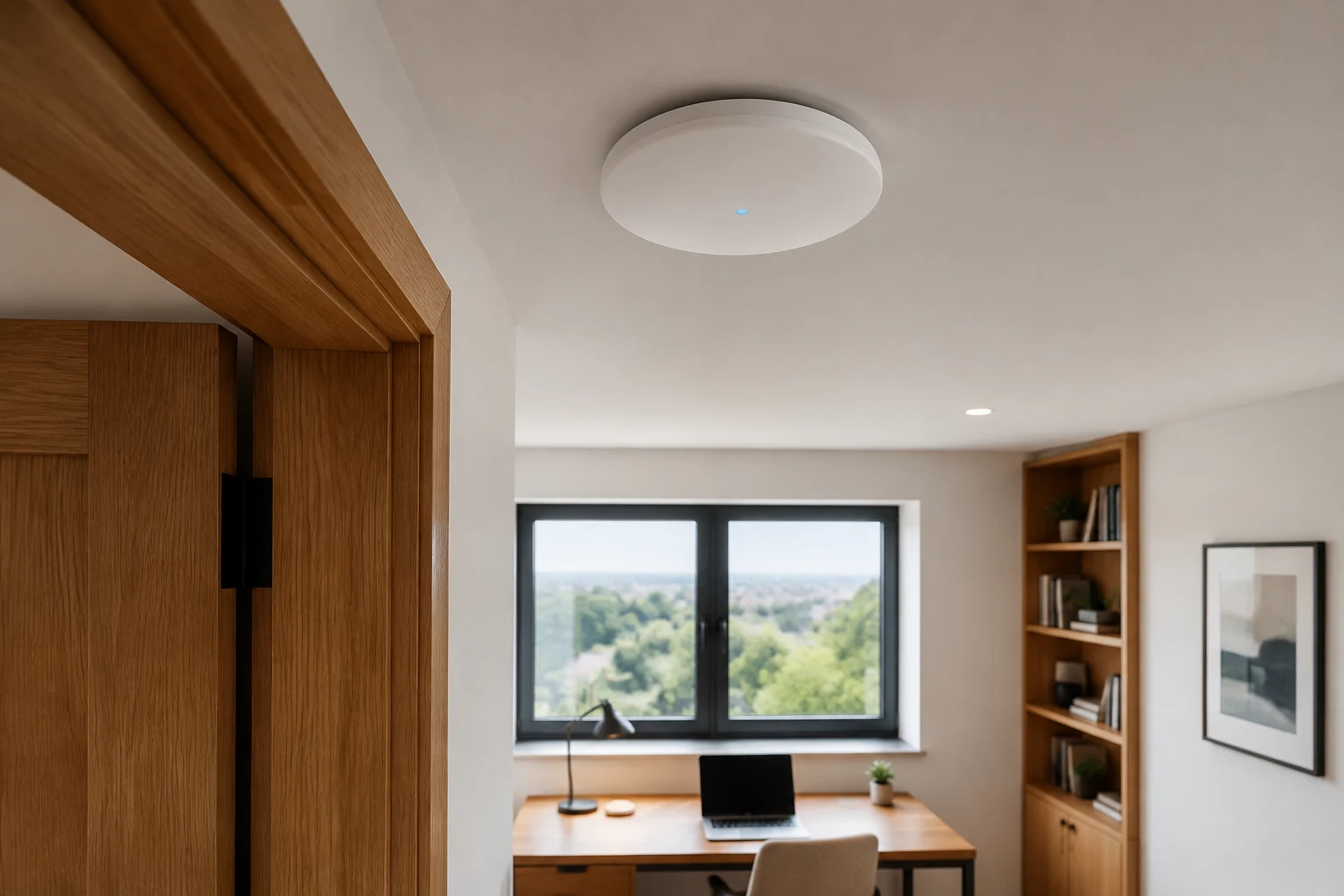
If the wall keypads still control the lights but the Lutron app says offline, that is useful information. The local lighting system may still be operating while the phone, home network, internet connection or app link is having trouble. The exact behaviour depends on the HomeWorks generation and setup.
Make four simple observations
- Confirm whether wall controls and scheduled scenes still work.
- Check whether the phone is connected to the usual home Wi-Fi, then note whether the app behaves differently on mobile data.
- Record when the problem started and whether the router, internet service, Wi-Fi name, phone or app recently changed.
- Note the exact message shown by the app and whether every household phone is affected.
Do not send passwords or account codes in an enquiry. A screenshot of the error message, with personal information hidden, is usually more useful.
What those observations can mean
HomeWorks app access and local wall control do not always share the same failure path. For example, a network or internet outage may affect remote access while keypads continue to operate. Lutron explains these distinctions in its network outage guidance. The available app features and connection requirements also vary by processor generation; Lutron has a separate HomeWorks QSX app guide.
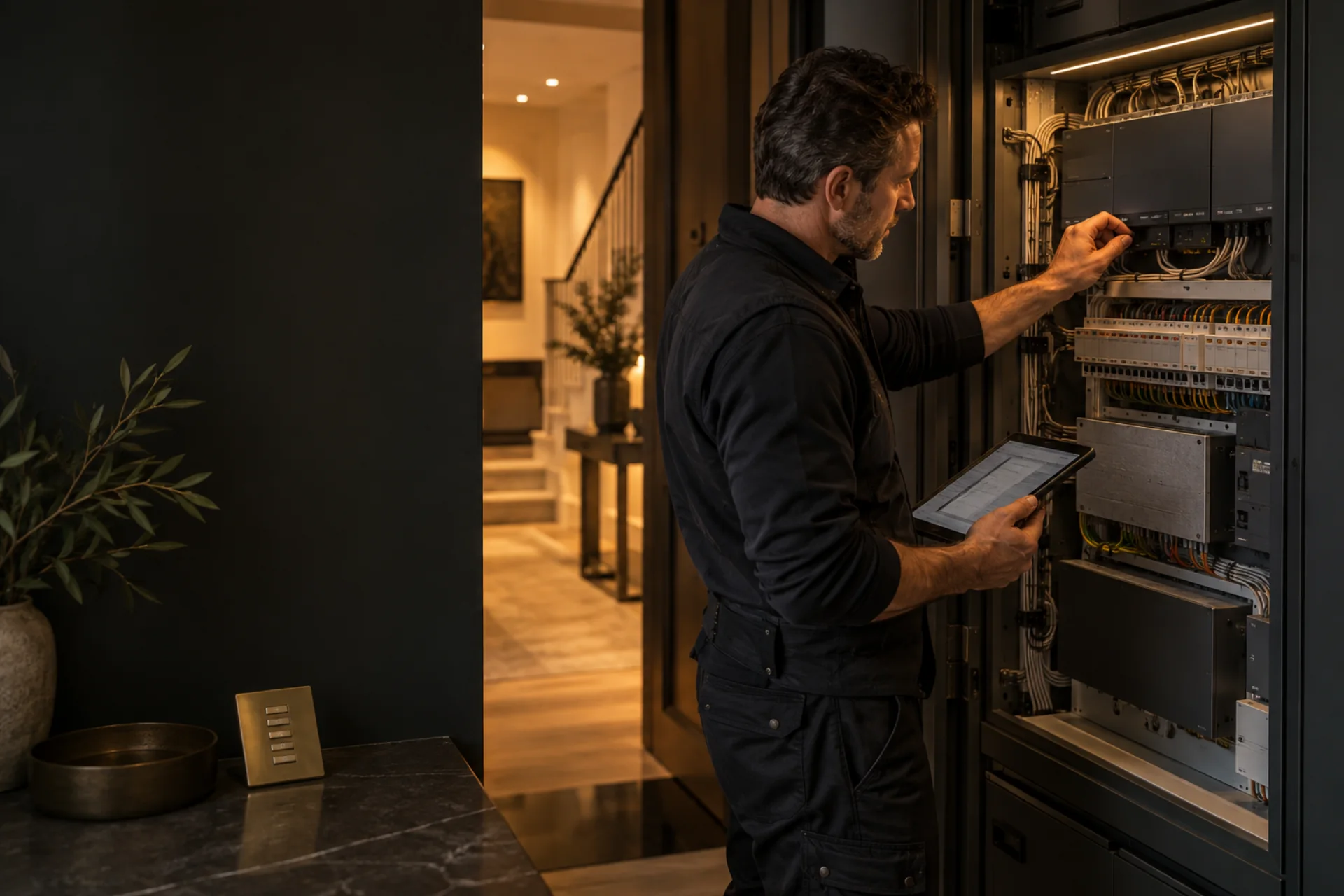
These observations help our engineer focus the next checks on the network, account, processor connection and system configuration. We can then identify the cause and work through the appropriate repair for your HomeWorks generation.
Avoid losing a working setup
Do not factory-reset the Lutron processor, delete the home's app setup or make blind router changes. Keep any system documentation and note the current network equipment. If a network company is involved, coordinate changes so both teams can see what was altered.
Get the right help
Describe which controls still work and which app connections fail in our Lutron recovery brief. For an inherited system without a current installer, start with our takeover guide. You can also request a HomeWorks assessment.