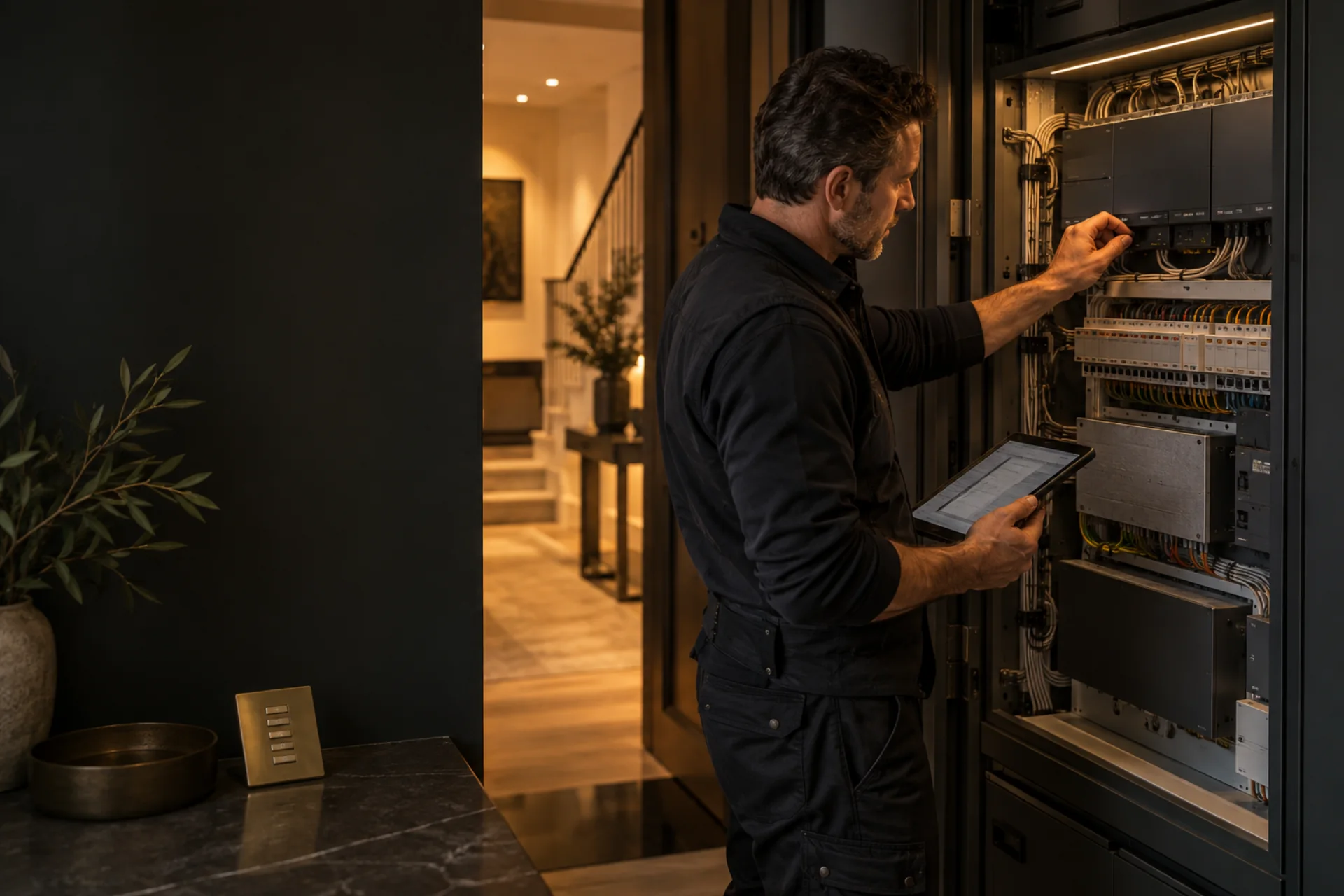
RadioRA 3 offers new possibilities for a home with RA2 Select or RadioRA 2, particularly when you are adding rooms, keypads or shading. We identify the existing equipment and turn those ideas into a coordinated upgrade plan.
First, identify which “RA2” you have
RA2 Select and RadioRA 2 are related but different systems. Note the main repeater or processor model, in-line dimmers and switches, keypad or Pico models, shades, and any integration equipment. Keep the original project information, app access and installer details where available. Do not factory-reset a working system to find out.
Check compatibility by exact UK part number
Lutron’s RadioRA 3 backwards-compatibility information helps us identify equipment that can continue into an upgrade. We check regional models, wiring, frequency and software support, then give you a clear retained-and-replaced equipment schedule. RadioRA 3 backwards-compatibility resources.
RadioRA 2 projects may have an extractable programming file; RA2 Select uses a different setup route. The access and documentation available on this specific property determine the practical conversion plan.
Make the upgrade plan room by room
- List the rooms and what must keep working throughout the change.
- Record each control, load type and shade; mark what is confirmed compatible, uncertain or due for replacement.
- Agree the new scenes, keypad functions, app access and any home-system integrations.
- Check radio coverage, network and processor power, plus the electrical work needed at each load.
- Price equipment, installation, programming, commissioning and handover separately.
If the existing system is unreliable, diagnose the underlying fault first. Replacing a processor will not fix an incompatible lamp driver or a wiring fault. If essential lighting is affected, use our safe fault checklist.
What does the upgrade cost?
Your upgrade proposal identifies the equipment we can retain and the new parts, installation and programming needed. Our Lutron cost guide gives component examples to help start the budget conversation.
Request a RadioRA 3 upgrade assessment and send photographs of labels that are safely visible, your room list and any original files. Do not open live electrical panels.