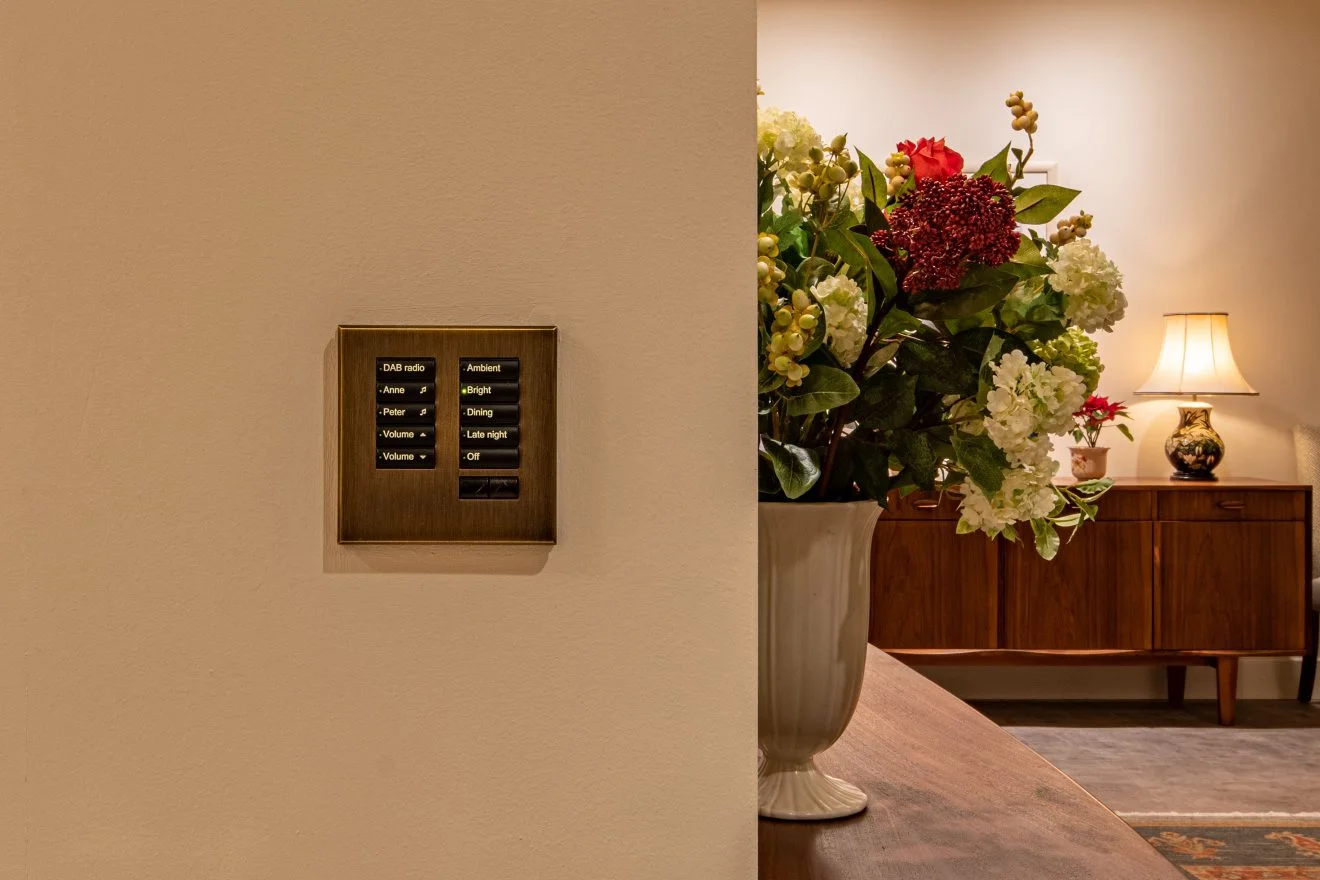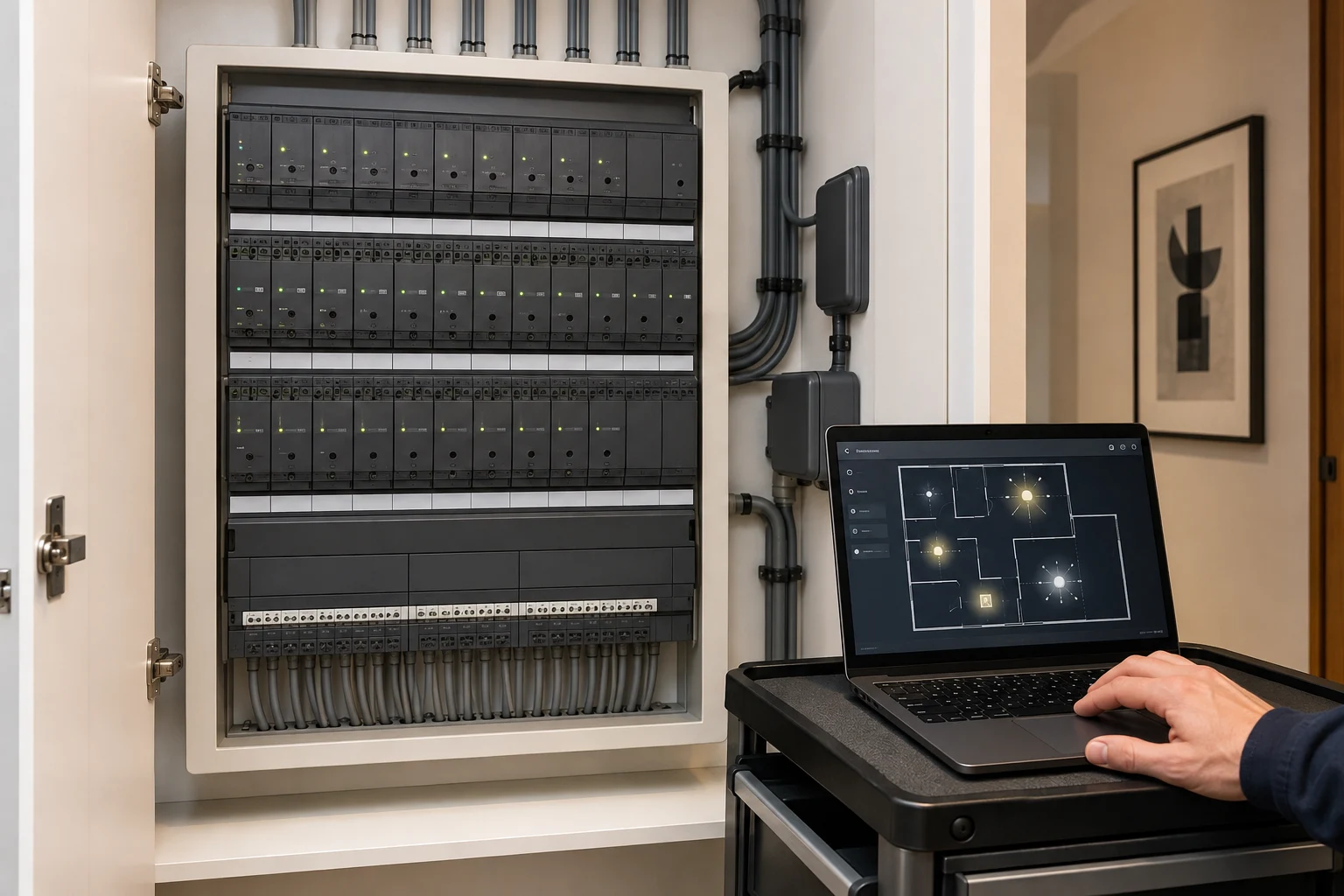
A Lutron keypad that stops responding does not always mean the keypad itself has failed. The problem might be with one light or driver, a controlled circuit, a module, power, communications or programming. A few safe observations can make the engineer's first visit far more useful.
First, define the size of the fault
- Is one button, one keypad, one room or the whole property affected?
- Do the keypad indicator lights change when you press a button?
- Do other keypads control the same lights? Are any scheduled scenes still working?
- Did the issue begin after a lamp or driver change, electrical work, a power cut or a network change?
- Is it constant or intermittent? Note the time and which controls were used.
Write down these answers without repeatedly switching the system or changing wiring. If there is a burning smell, heat, damaged equipment or exposed wiring, stop using the affected circuit and contact a qualified electrician.
Why one symptom can have several causes
A lit button with one dark fitting helps us focus on the load, driver and controlled circuit. Several affected rooms point us towards shared power, modules or processor connections. We use those observations and the relevant HomeWorks troubleshooting information to plan the engineer’s checks. HomeWorks troubleshooting resources.
What to avoid
Do not open a lighting panel, bridge a circuit, swap modules or factory-reset the processor. An older system may have undocumented changes or limited backup access; altering it before the fault is recorded can make recovery harder.
What a proper assessment should produce
The engineer should identify the installed generation, affected control path and likely fault domain, then explain any testing, parts or programming work required. Ask for the limits and cost of the next step before authorising a wider upgrade.
If you inherited the system and have no installer, read our takeover guide. If only phone control has stopped, use the app connection guide.
Get help with the fault
Use our Lutron recovery brief to record the affected rooms and symptoms, or request a HomeWorks assessment directly. You do not need to know the technical cause before contacting us.